
WWPlayer
All your media. One home.
Emby, Jellyfin, FN TV, cloud drives, NAS and local folders — one library, powered by libmpv.
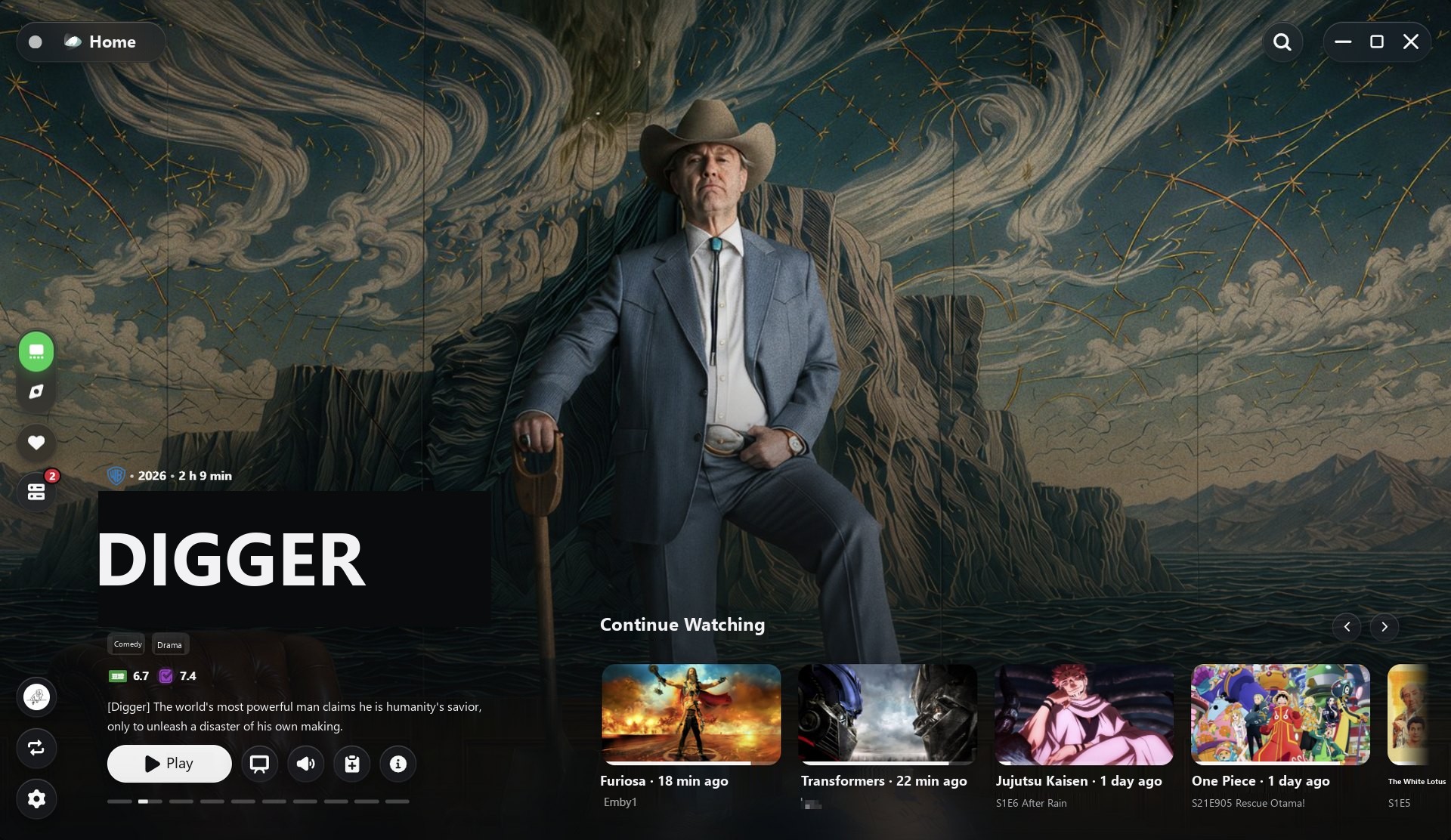
All your media. One home.
Emby, Jellyfin, FN TV, cloud drives, NAS and local folders — one library, powered by libmpv.
Media sources
Bring media servers, cloud drives, NAS shares and local folders together without jumping between apps. Each source keeps its own connections, account and capabilities — independent sources, a unified experience.
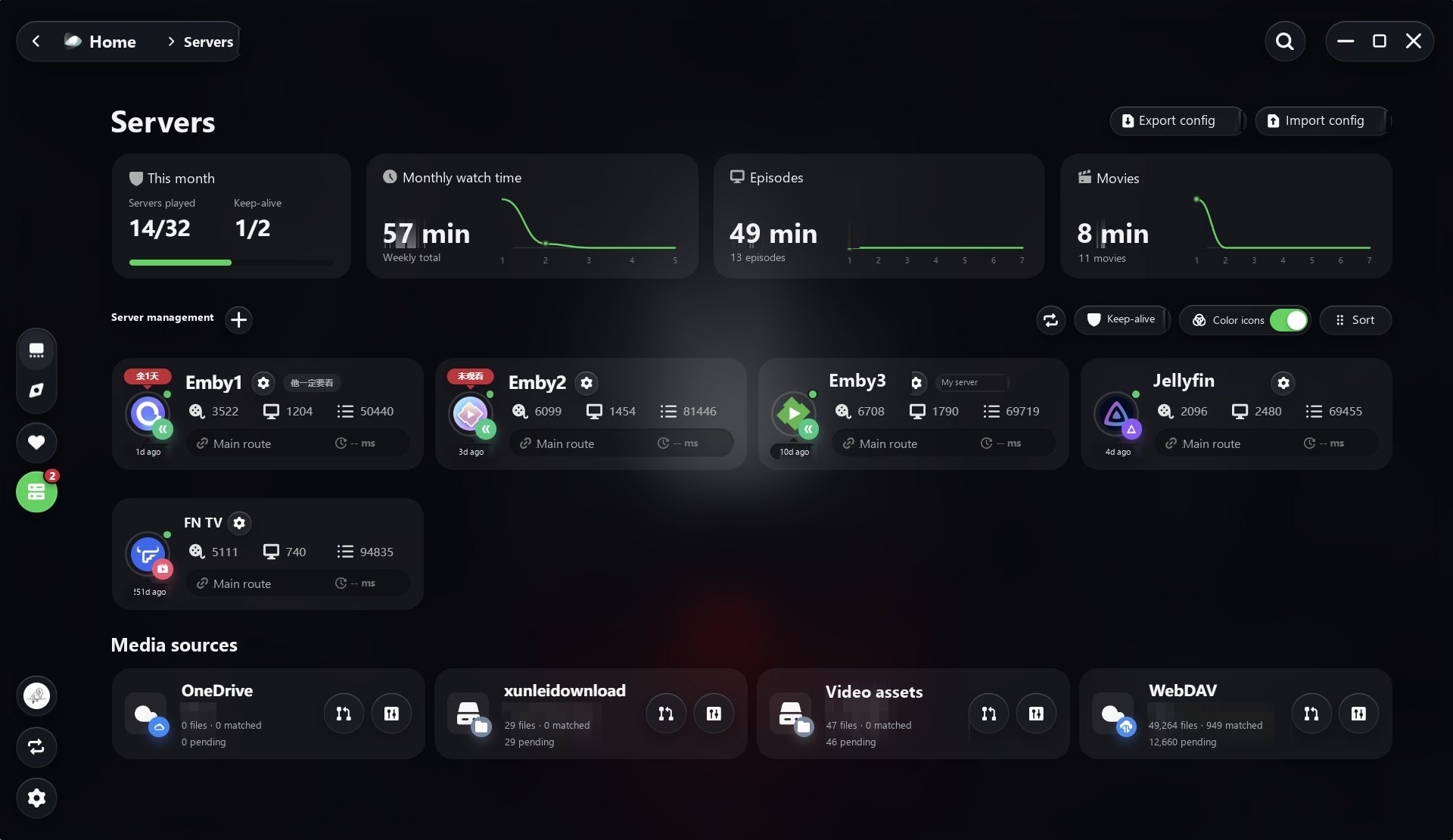
Across your serversPro
Bring search, favorites, Continue Watching and progress together across servers. Compare versions from different servers, connections and modules by format, resolution, bitrate and size.
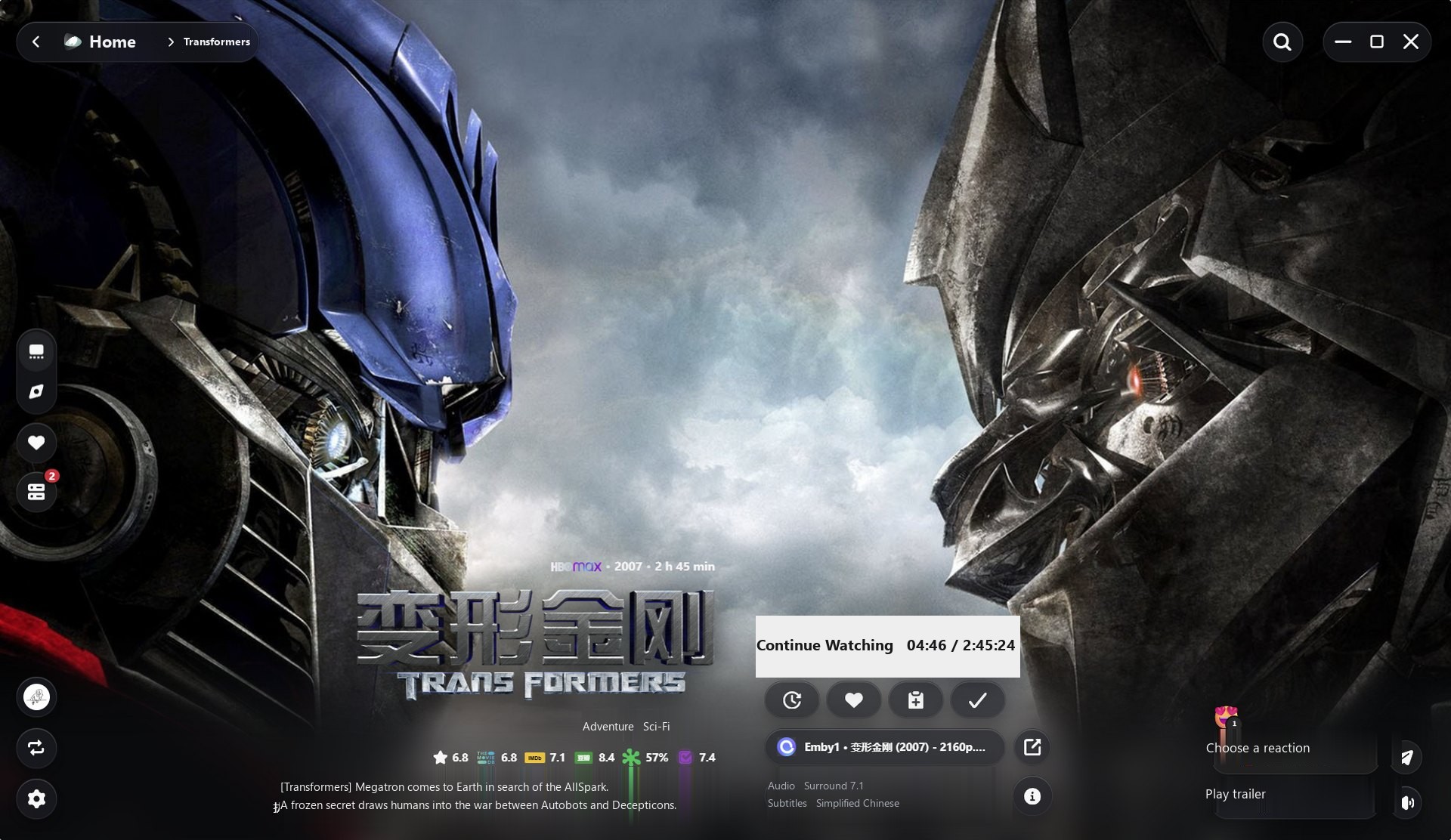
Ratings, playback progress, available versions and your selected audio and subtitles, right beside the artwork.
Sort versions by format, resolution, bitrate and size. Filter server and module sources separately, then switch without losing your place.
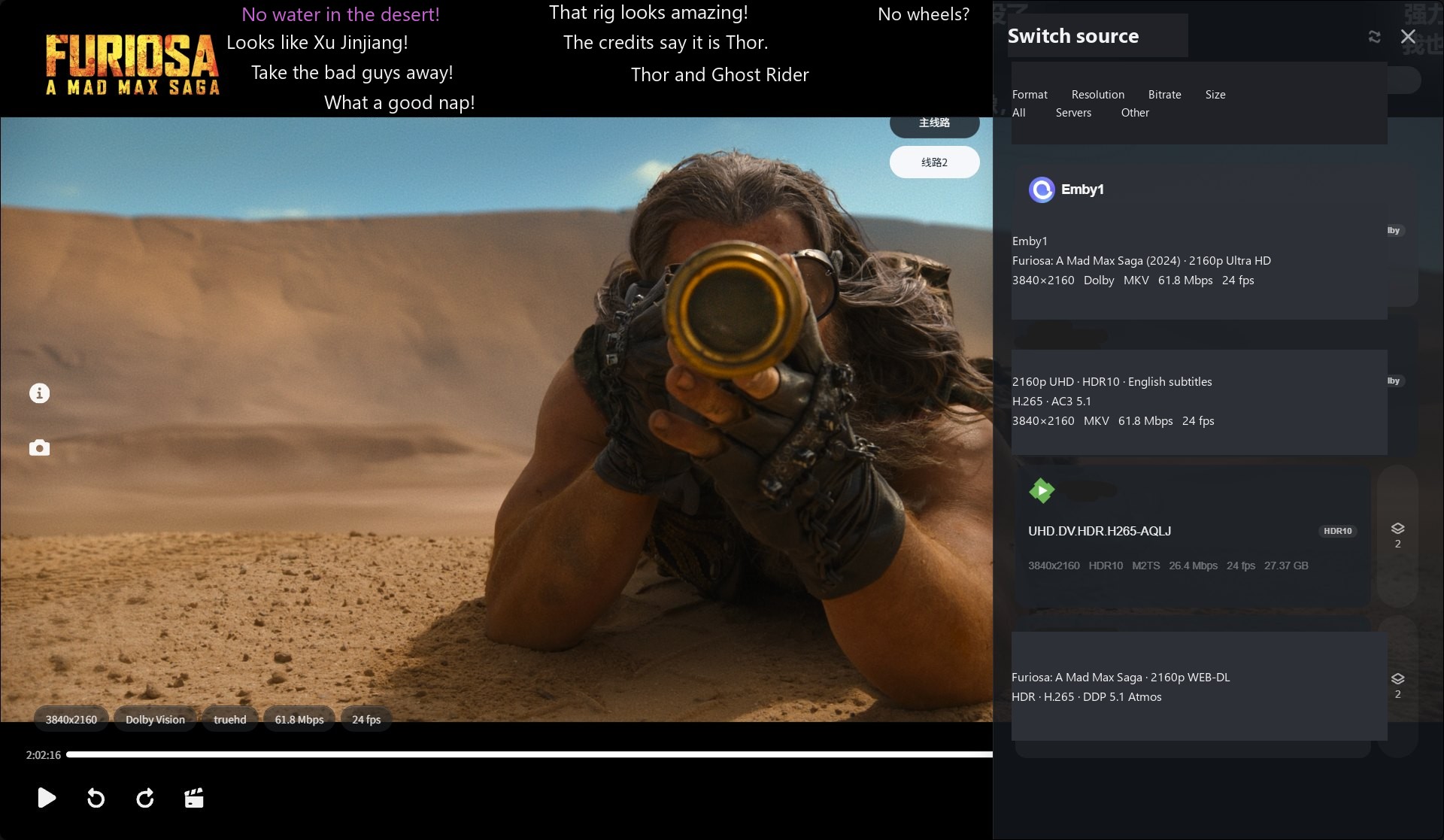
Spot HDR10, HDR10+, HLG and Dolby Vision at a glance, with resolution, codec, bitrate and frame rate shown on each version.
Results from servers and modules stay grouped by source. One unavailable source won't hide the others.
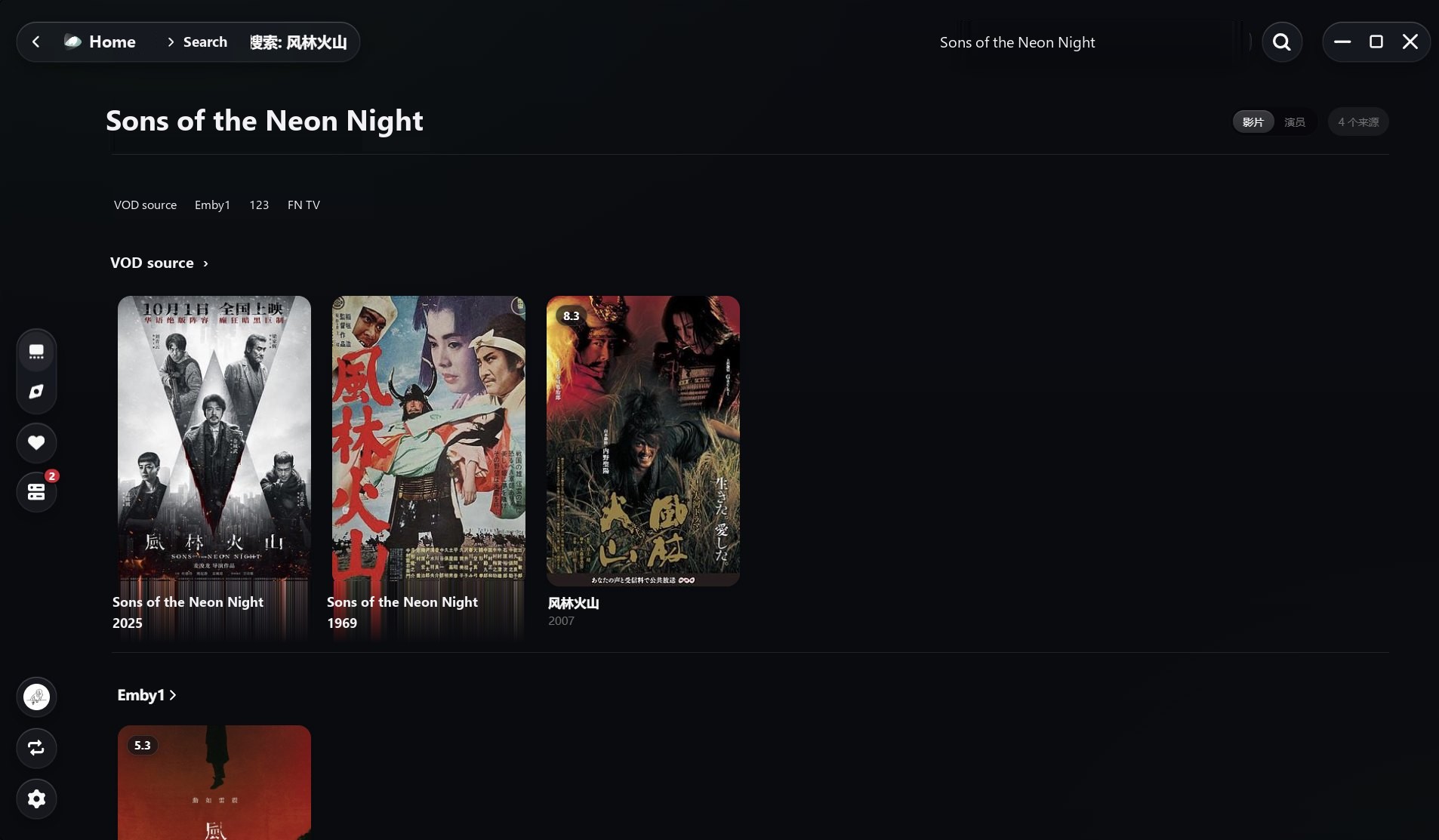
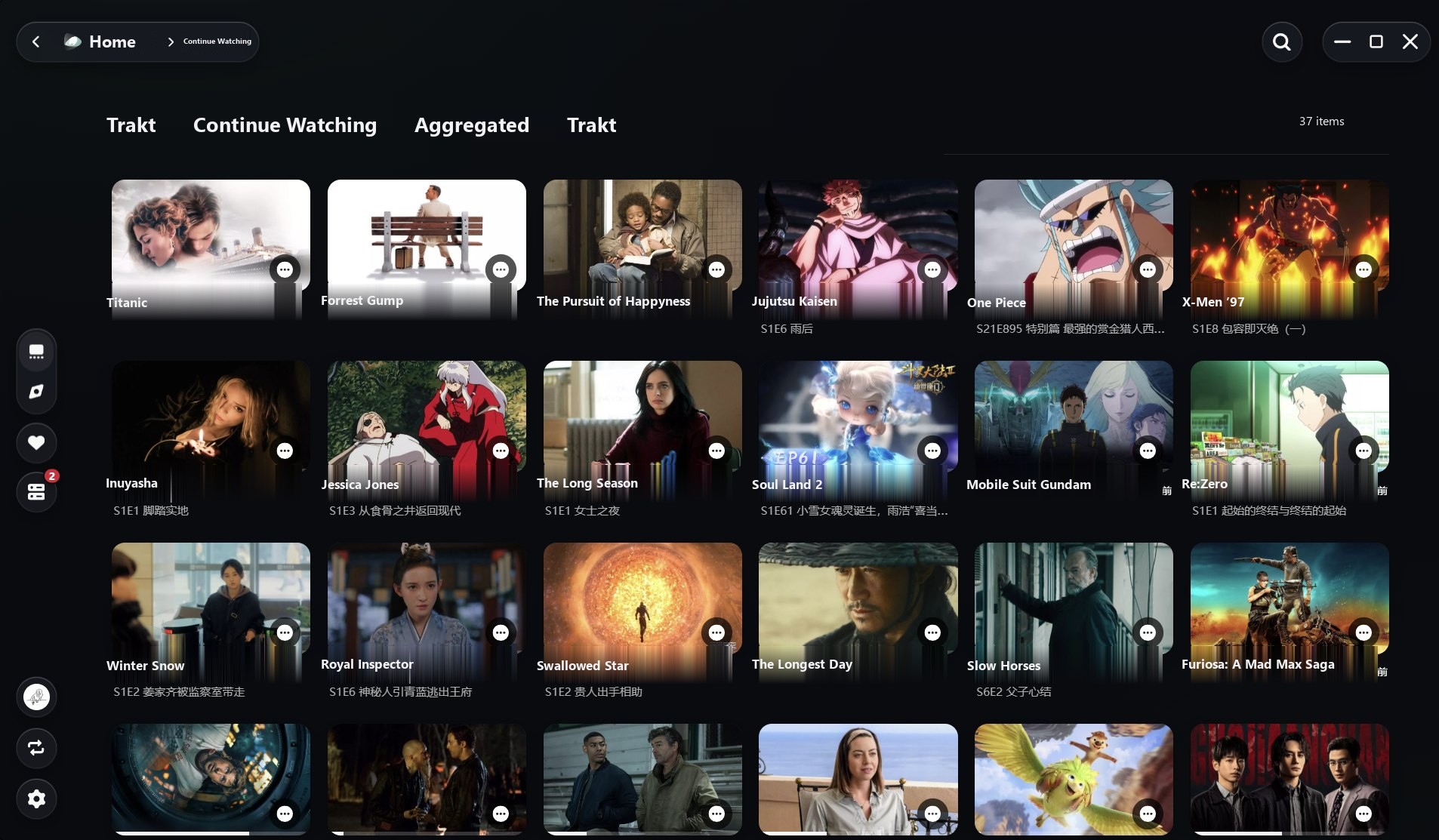
Switch between regular, aggregated and Trakt history, or pin one as the default for your home.
Home & sections
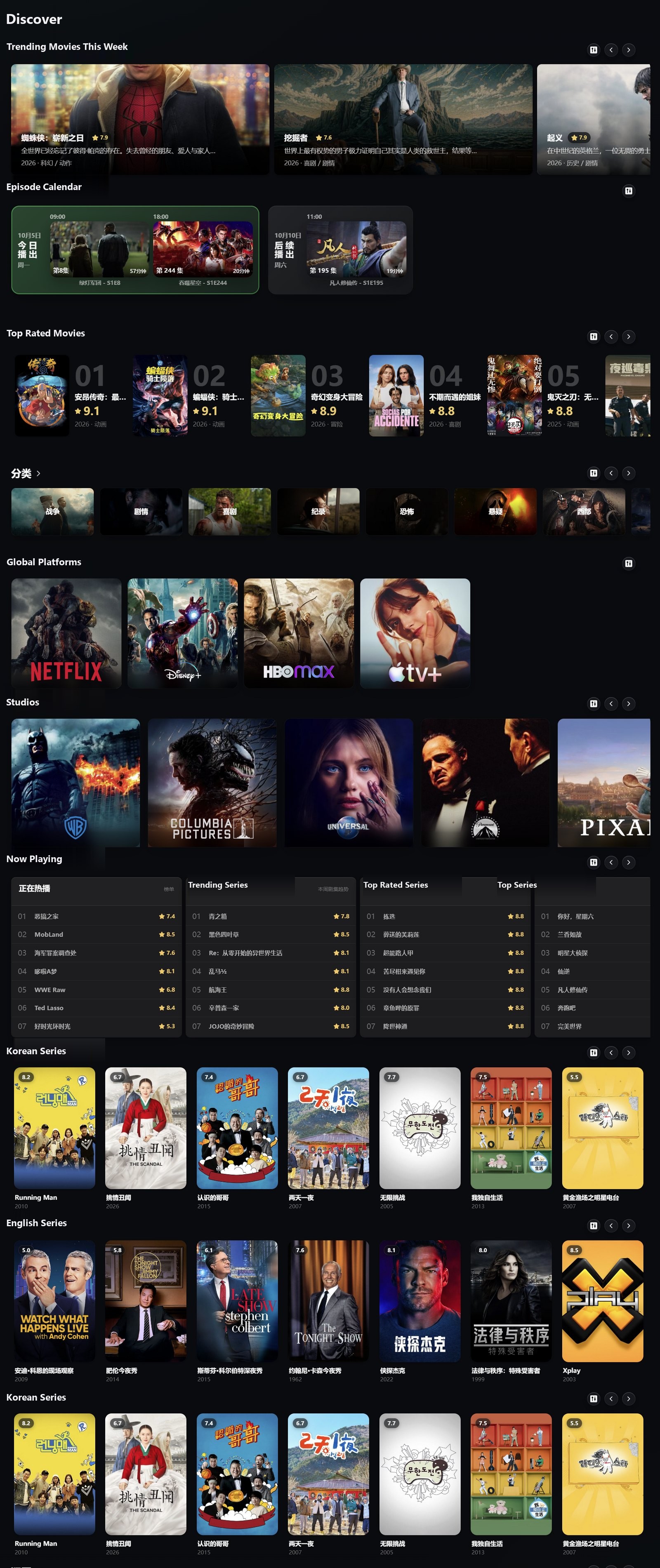
Build sections from TMDB, Trakt, Bangumi, media libraries, local folders, lists and modules. Mix trending, posters, rankings, spotlights, collages, calendars and TV layouts. Homes, multiple homes, sections and modules are all included for free.
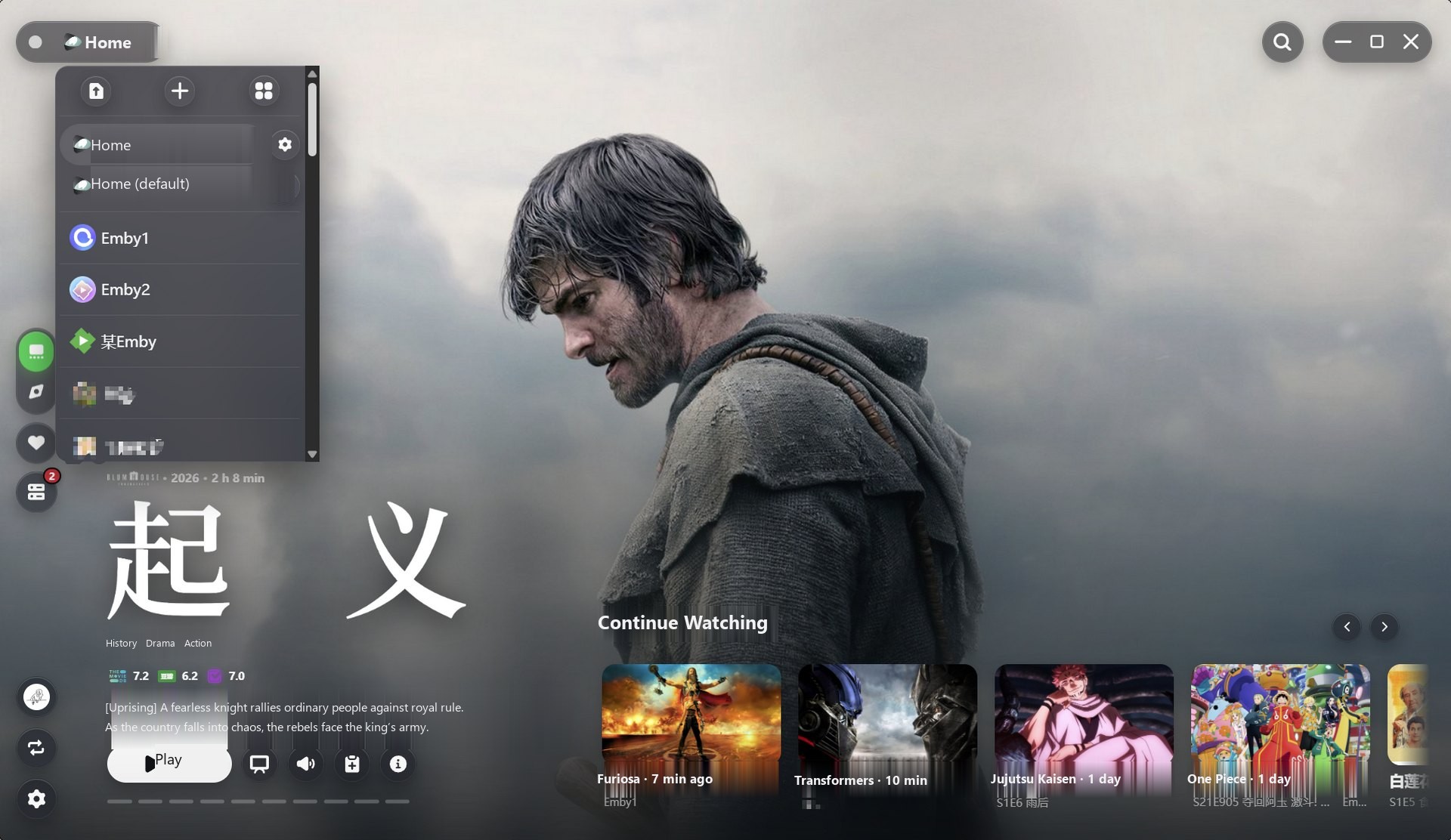
Create separate homes for movies, series, anime or kids, and switch at the top. Give a home its own playback history to keep viewing records separate.
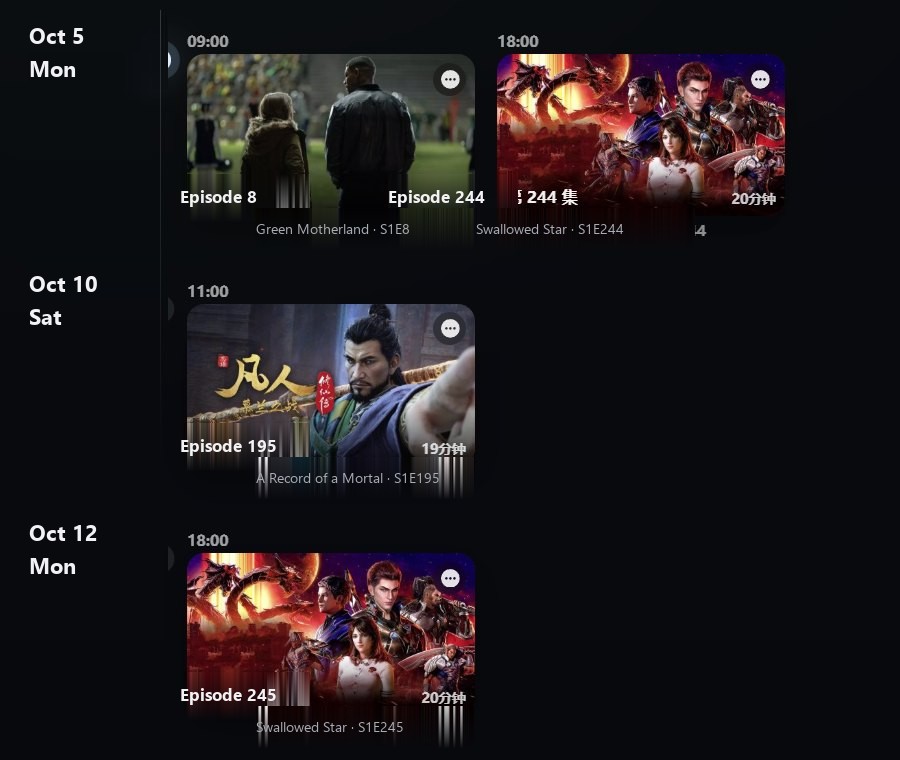
Connect Trakt or Bangumi to see this week's releases by date, ready to open and watch.
Player
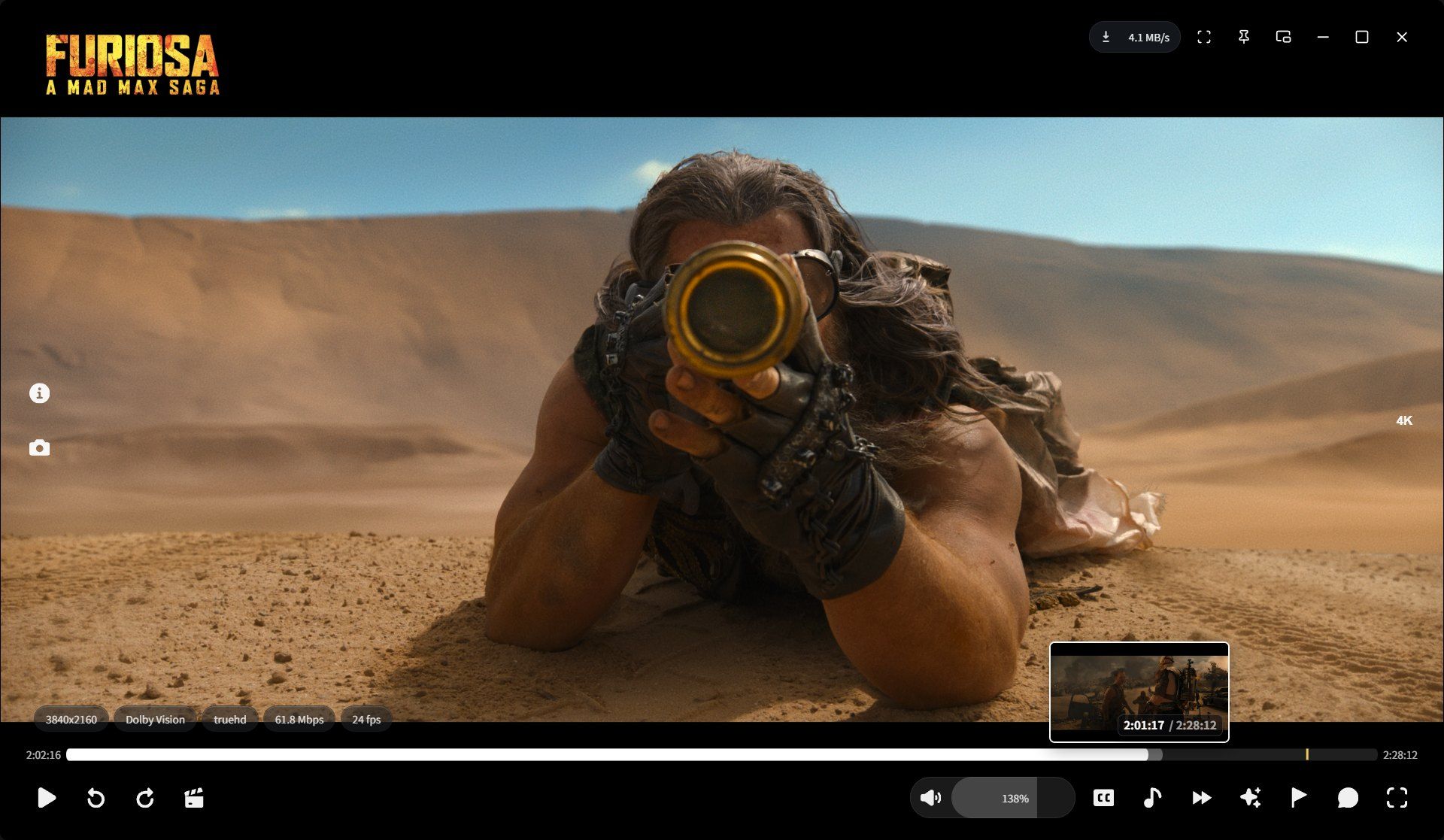
A native video window with compact controls. WWPlayer handles server sessions, authentication, proxies, caching and progress. You just watch.
Captures & reactions
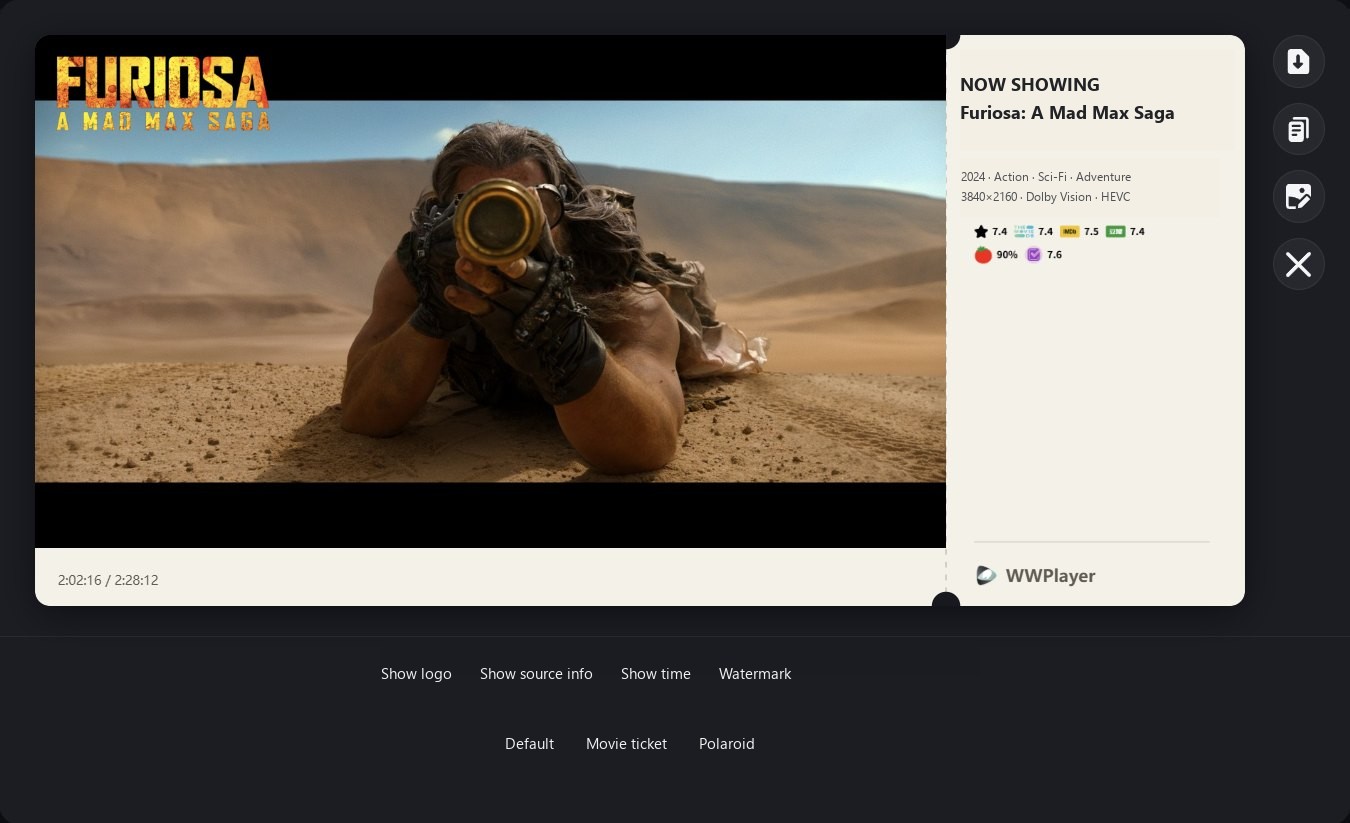
Click for a screenshot, or hold to record a GIF of up to about 10 seconds. Ticket and instant-photo layouts add the title, rating and timestamp. Save, copy or use it as your profile background.
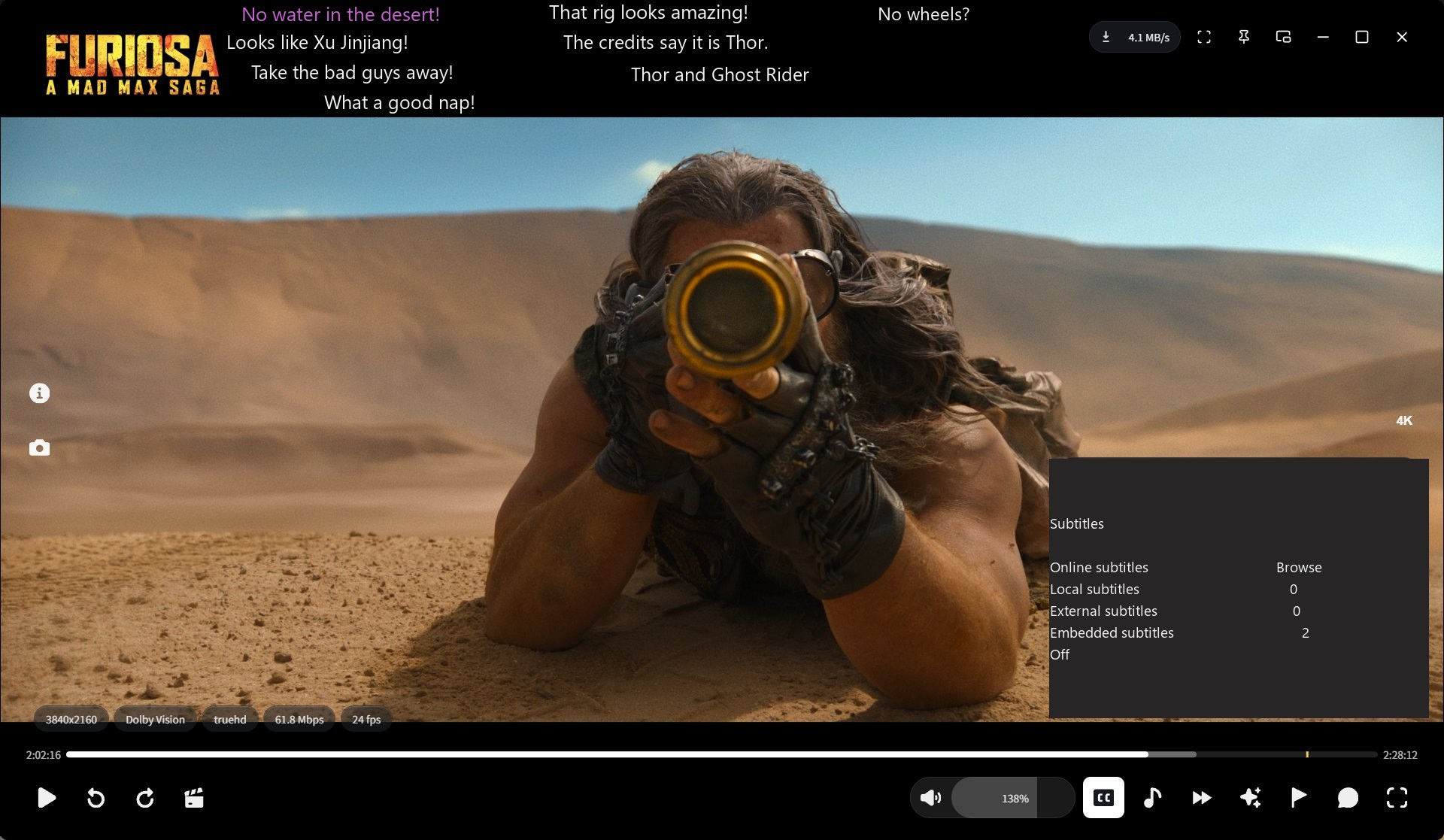
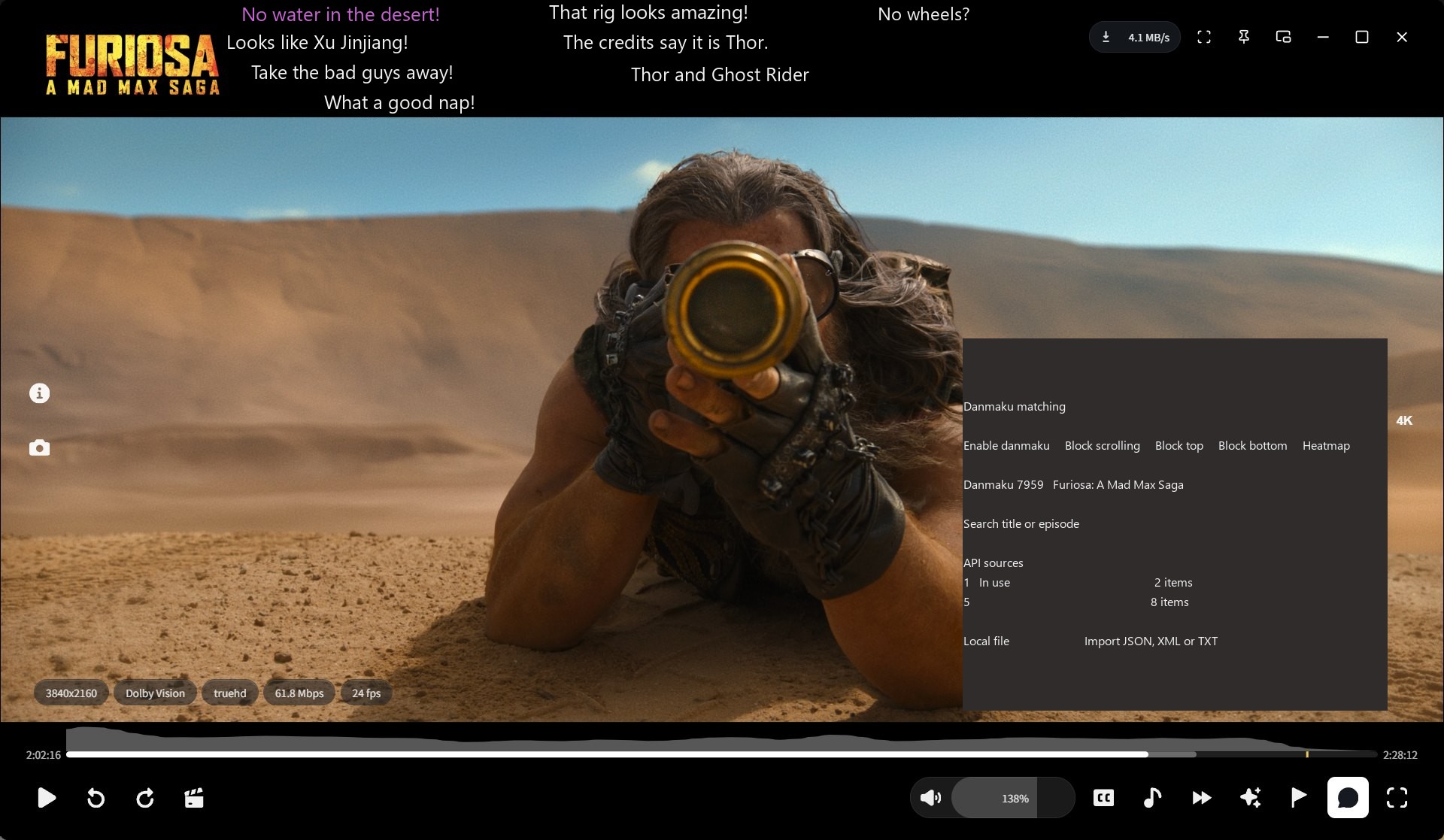
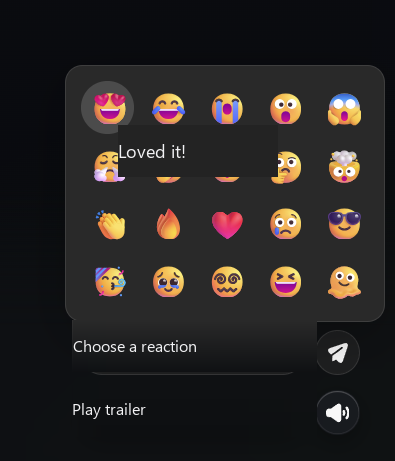
See the community's most popular reactions on each title. Sign in to your WWPlayer account to add your own.
NEXUS & modules
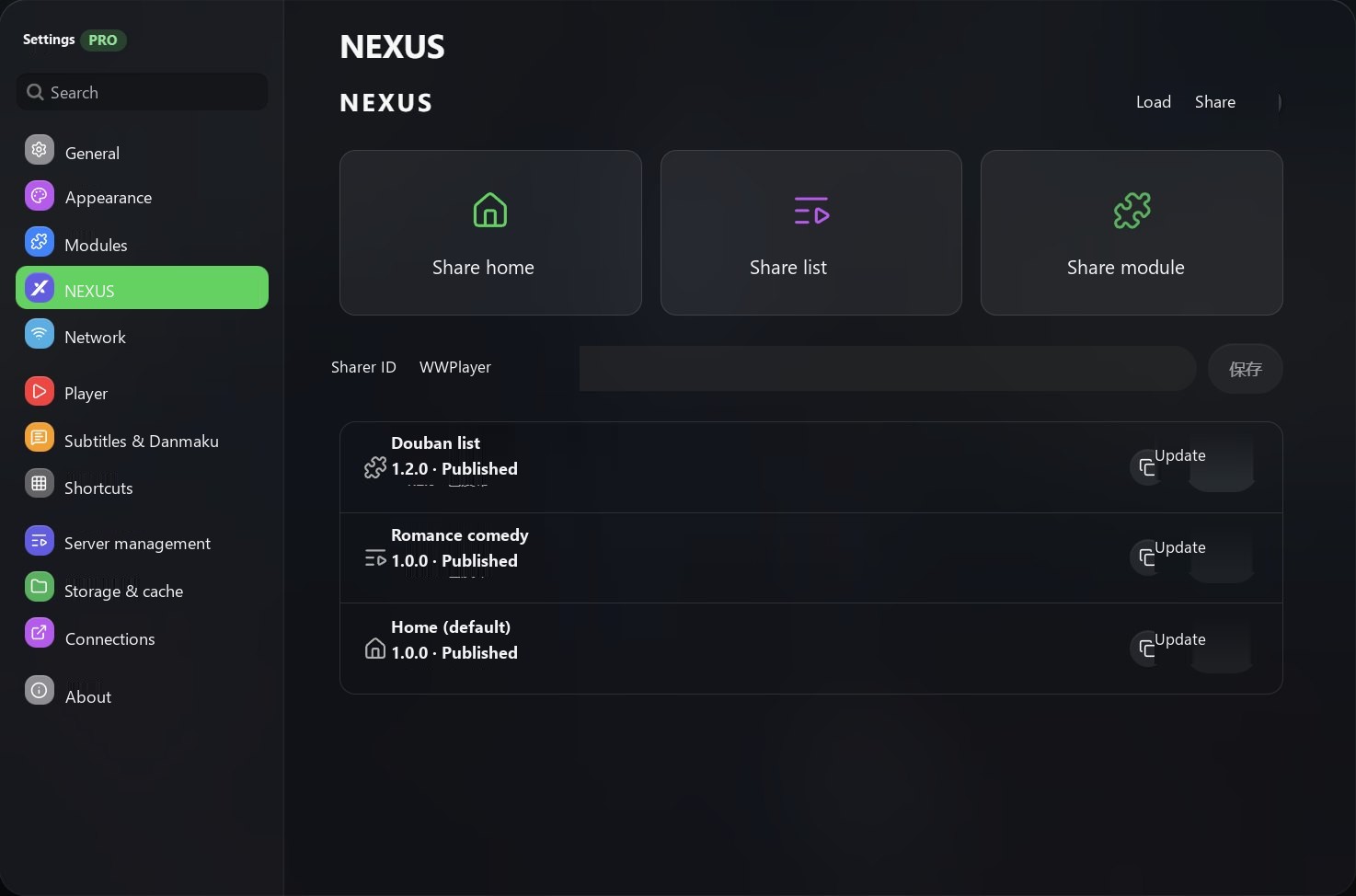
Enter a share code to load someone's home, list or module, and sync it when a new version arrives. Sign in to your WWPlayer account to publish your own.
Package homes, lists and modules as versioned creations to share.
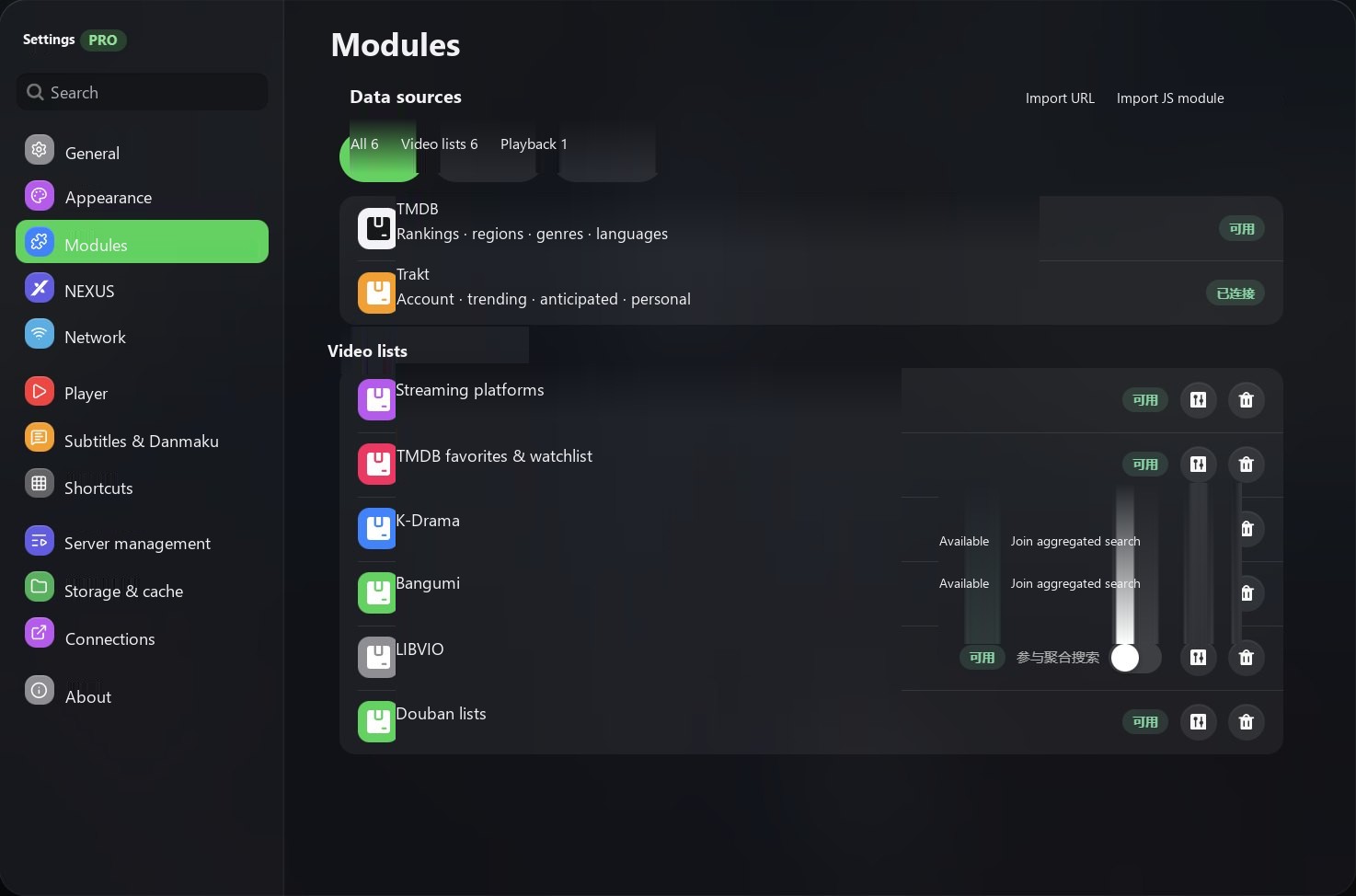
Install from a file, URL or module index to add more sources for sections, search and playback.
WWPlayer account
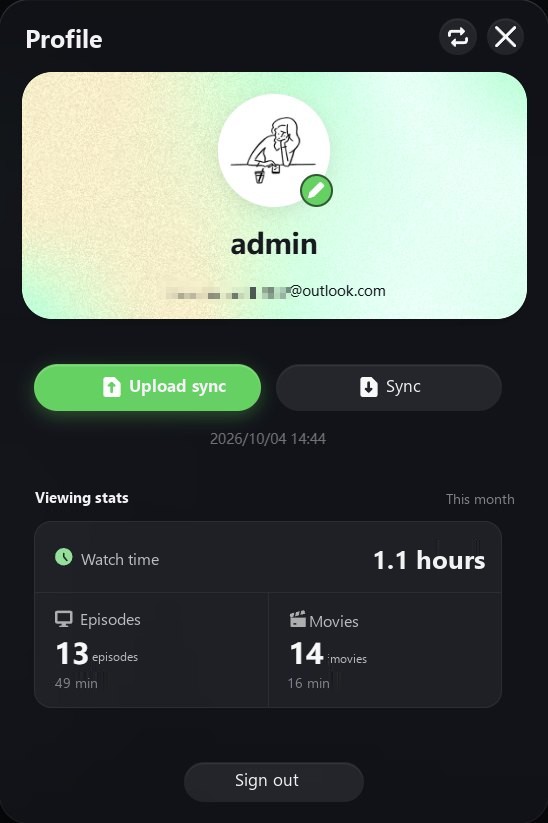
Restore your cloud settings on first sign-in on another computer, and see monthly movie and episode stats in your profile. You can also back up with WebDAVPro or .wwpcfg files.
Free & Pro
Get Pro through Microsoft Store. Pricing and license duration are shown in the store.
$0
One media server, plus all file-based sources
$6.99
Everything in Free, plus
Documentation
Install from Microsoft Store and get automatic store updates.